
/ Slicktify
A regional manager opens Monday's inbox to find 38 status emails: occupancy updates from one team, overdue work orders from another, a revenue file attached to a third, and two urgent maintenance issues buried in a reply chain. This is the real difference in cloud dashboards versus email reporting. One gives leaders a current operating picture. The other asks them to assemble it under pressure.
Email reporting is familiar because it is easy to start. A manager can export a spreadsheet, attach it, add a few notes, and send it to leadership. That workflow may be sufficient for a single site with stable operations. But as assets, locations, teams, and reporting requirements expand, the inbox becomes a holding area for disconnected versions of the truth.
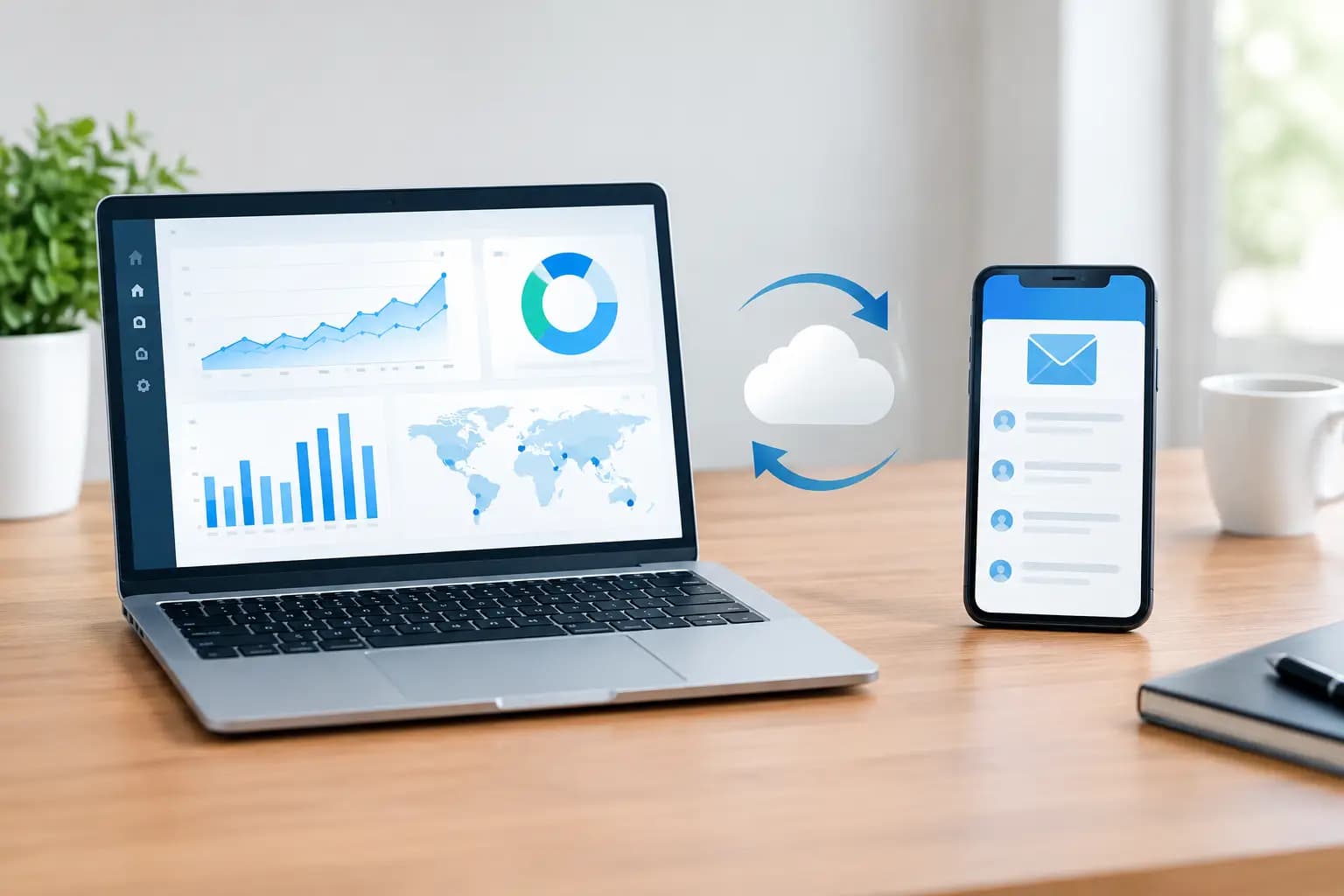
Cloud dashboards change the operating model. Instead of waiting for updates to arrive, authorized users can view the condition of the portfolio, investigate exceptions, and assign action from a centralized system of record. The advantage is not a prettier report. It is faster operational control.
Cloud Dashboards Versus Email Reporting: The Core Difference
Email reporting is a point-in-time communication method. Its usefulness depends on when the data was exported, who prepared it, which recipients saw it, and whether anyone acted before the next update. A dashboard is an ongoing management environment. It brings current information into a structured view that can be filtered by property, asset type, region, business unit, or operating priority.
That distinction matters when conditions change between reporting cycles. A weekly email may show that a property was within budget last Friday. It cannot tell an owner, in the moment, whether a critical work order is now overdue, occupancy has shifted, or a high-value asset has generated a new alert. The information may exist somewhere, but it is not yet visible in a form that supports a decision.
For a portfolio leader, the central question is simple: do you need a report to read, or a command center to run the operation? Both have a place, but they solve different problems.
Why Email Reporting Breaks Down at Scale
The issue is rarely that teams are unwilling to report. The issue is that email turns reporting into a recurring manual production task. People export data from separate tools, reconcile naming differences, search for missing updates, and explain numbers that may have already changed. The more locations involved, the more time the organization spends collecting status instead of managing it.
Email also fragments accountability. A request for clarification can become a long reply chain. An attachment may be renamed and forwarded. A recipient may work from an outdated version without realizing it. Even when everyone is acting in good faith, there is no clear shared view of the latest condition or the next owner of the task.
This creates three operational costs. First, leaders lose time validating data before they can use it. Second, exceptions are easier to miss because they compete with routine messages. Third, teams start maintaining shadow spreadsheets to compensate for what the inbox cannot organize. That spreadsheet maze may feel flexible, but it introduces more versions, more manual steps, and less confidence in the final report.
Static reports are often too late for exceptions
Routine reporting and exception management should not be treated as the same job. A monthly report can help executives review trends, performance, and capital priorities. It is a poor tool for monitoring a water leak, an overdue inspection, a missed service request, or a revenue variance that needs attention today.
A cloud dashboard can make exceptions visible based on defined thresholds, status, urgency, or ownership. Rather than scanning every operating metric with equal intensity, a manager can focus on what requires intervention. That helps teams direct effort where it has the greatest immediate effect.
What a Cloud Dashboard Should Actually Provide
Not every dashboard creates better oversight. A screen packed with charts can add noise if it does not connect data to operational decisions. The strongest dashboards are designed around the questions leaders need answered at the start of the day: What is off track? Where is the risk? Who owns the next action? What changed since the last review?
For property and multi-location operations, that often means a consolidated view of asset conditions, occupancy, revenue, work orders, alerts, compliance items, and open tasks. It also means the ability to move from a portfolio-level signal into the affected property or asset without restarting the investigation in another system.
A centralized platform such as Slicktify is built for this operating discipline: one intelligent command center that brings portfolio intelligence, work, alerts, and reporting into a shared structure. For an owner with a few properties, that may mean no longer checking several inboxes to understand what needs attention. For an enterprise team, it can mean consistent reporting across regions and business units without forcing every operator to build reports from scratch.
Shared context improves the quality of action
Visibility alone is not the objective. The objective is coordinated action. If a dashboard shows a growing backlog of high-priority work orders, the useful next step is clear ownership, relevant property context, and a way to track progress. If it identifies declining occupancy at a group of locations, decision-makers need enough detail to determine whether the issue is local, seasonal, or tied to an operational constraint.
Email can initiate those conversations. It cannot reliably contain the operating context as it changes. A dashboard gives teams a common starting point, reducing the time spent asking for the latest file or reconstructing what happened from message history.
When Email Reporting Still Makes Sense
Replacing inbox-driven reporting does not mean eliminating email. Email remains useful for targeted communication, approvals, stakeholder updates, and scheduled summaries. A board member may prefer a concise monthly narrative. An external partner may need a formal report delivered on a set date. A field operator may need an alert that prompts immediate review.
The practical goal is to stop using email as the primary system of record. Email should carry a message, not hold the only copy of critical operating knowledge. A scheduled email can point attention to a variance, while the dashboard remains the place where teams verify the current details and manage the response.
This distinction is especially valuable for organizations with mixed portfolios. A hospitality group, restaurant operator, distribution network, or real estate owner may have different local workflows, but leadership still needs consistent visibility across the business. Standardized dashboard definitions make comparisons more credible. They reduce the risk that one location's “open” work order or “occupied” unit is measured differently from another's.
How to Move From Inbox Reporting to a Dashboard Operating Model
The shift should begin with decisions, not software screens. Identify the recurring decisions that take too long because data is scattered. Examples might include reviewing open maintenance risk, comparing location performance, identifying lease or occupancy issues, or prioritizing capital needs. Those decisions define the metrics and exceptions that deserve a place on the dashboard.
Next, establish a small set of common definitions. Teams need agreement on what counts as overdue, urgent, complete, vacant, or at risk. Without that discipline, a centralized dashboard simply centralizes inconsistent data. This is governance in practical form: clear definitions, assigned owners, and a repeatable review rhythm.
Then build reporting in layers. Executives need portfolio health and material exceptions. Regional managers need comparison views and accountability across their locations. Site teams need actionable detail for the assets, tasks, and alerts they control. Giving every role the same dense report usually creates clutter. Giving each role a connected view creates focus without losing shared context.
Finally, keep email in its appropriate role. Send concise notifications for decisions, escalations, and scheduled stakeholder communication. Direct the underlying investigation and work back to the centralized operating view. Over time, the number of manual status requests should decline because the answers are available without a new email thread.
The Decision Is About Operating Readiness
Cloud dashboards versus email reporting is not a debate about interface preference. It is a decision about whether portfolio intelligence arrives after the work or guides the work while there is still time to act.
Email reporting can remain adequate when operations are simple, data changes slowly, and few people need to coordinate. Once a portfolio has multiple locations, competing priorities, and material operational risk, the limits become visible. Leaders need current conditions, clear exceptions, and a shared path from signal to action.
The most disciplined teams do not wait for the next report to learn what needs attention. They build an operating structure where the answer is already in view.