
/ Slicktify
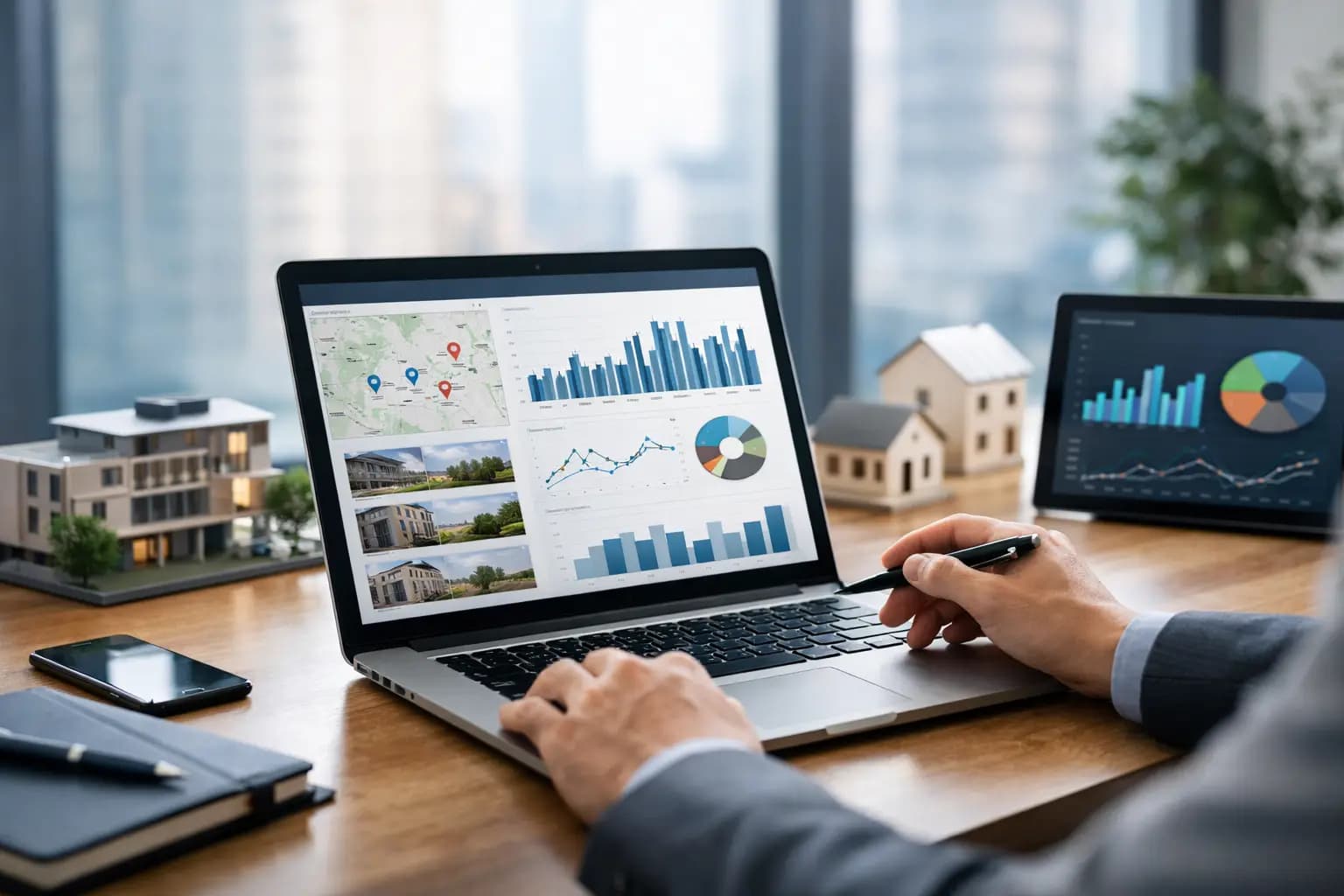
Monday morning should not begin with four spreadsheets, a queue of unread emails, and calls to site teams asking whether last week’s issues were resolved. Property portfolio dashboard software gives owners and operators a single operating view of what needs attention across assets, properties, and business units before small exceptions become expensive problems.
For a single rental, a basic tracker may be enough for a while. As locations, assets, vendors, leases, and teams multiply, that approach breaks down. The challenge is not simply collecting more data. It is turning operational data into a clear priority list: what is performing, what is at risk, who owns the next action, and what requires a decision now.
Why portfolio visibility breaks down
Most portfolio teams do not lack software. They lack an operating layer that connects the tools and information they already use. Financial data may live in one system, maintenance updates in another, occupancy reports in a portal, and critical context in email or text messages. By the time a manager compiles a report, the report often describes last week rather than the conditions that require action today.
Spreadsheets can create the appearance of control because they are familiar and flexible. But flexibility becomes a liability when every location updates a different version, formulas are maintained by a small number of people, and there is no reliable way to distinguish a completed task from an unreported task. A portfolio leader should not have to ask whether the numbers are current before acting on them.
The cost shows up in ordinary operational moments. A maintenance issue remains open because no one sees its age. A vacancy sits longer than expected because performance is reviewed only at month-end. Revenue softens at several locations, but the pattern is hidden inside separate reports. None of these failures is dramatic on its own. Together, they create slower decisions, inconsistent follow-through, and reduced control over the portfolio.
What property portfolio dashboard software should do
The best property portfolio dashboard software is not a prettier reporting screen. It is a command center that organizes portfolio health around decisions and exceptions. It should help users move from broad oversight to property-level detail without rebuilding a report every time a question changes.
At the portfolio level, leaders need a concise view of the metrics that reflect operating health. Depending on the business, that may include occupancy, revenue, open work orders, overdue tasks, lease status, asset condition, alerts, and performance by location or business unit. The goal is not to display every available number. It is to make material changes visible early.
At the property level, teams need context. An alert is more useful when it connects to the relevant asset, work order, owner, deadline, and recent activity. A dashboard that only says a task is late still leaves the user to search for the facts. A structured platform should make the next step clear: assign the work, follow up with a vendor, inspect the location, or escalate the exception.
This distinction matters for mixed portfolios. A real estate investor may monitor rental occupancy and maintenance exposure. A hospitality group may also need location-level revenue, room readiness, and asset issues. A restaurant or franchise operator may focus on operational tasks, equipment condition, and recurring compliance work. The common need is centralized oversight, not a separate dashboard for every operating function.
The dashboard should prioritize exceptions
Healthy operations do not require constant attention. Exceptions do. A useful dashboard brings forward overdue work, unusual vacancy patterns, unresolved alerts, missing data, and performance changes that fall outside expected ranges. This keeps teams from spending their time reviewing normal conditions while a preventable issue gets buried.
That requires thoughtful configuration. Too many alerts create noise and train teams to ignore the dashboard. Too few alerts create false confidence. Start with exceptions that have a meaningful operational or financial consequence, then refine thresholds as the team learns what deserves escalation.
It should preserve accountability
Visibility without ownership is only observation. Each important issue should have a responsible person, a status, a due date, and enough context to verify completion. That structure changes the operating rhythm. Instead of sending broad messages asking for updates, managers can review a shared record of work, identify blocked items, and direct attention where it is needed.
The result is cleaner coordination across on-site teams, regional operators, owners, and outside vendors. It also reduces dependence on institutional memory. When a team member changes roles or leaves, the operational history should remain with the property record, not disappear into an inbox.
How to evaluate a portfolio dashboard platform
Software selection should begin with operational questions, not a feature checklist. Ask what decisions are delayed today, what information is manually compiled, and which exceptions are most likely to be missed. Those answers reveal whether the platform needs stronger asset management, task workflows, reporting, occupancy tracking, revenue visibility, or cross-location oversight.
A strong evaluation also separates necessary integration from unnecessary complexity. Some organizations need data connections to existing financial, leasing, or operational systems. Others mainly need a disciplined system of record that replaces scattered spreadsheets and inbox-driven coordination. More integrations are not automatically better if they create fragile workflows or flood the dashboard with data no one uses.
Look closely at how the platform handles portfolio hierarchy. Teams should be able to organize data by owner, region, property, site, asset class, or business unit as their operating model requires. A dashboard becomes far more valuable when users can compare performance across relevant groups rather than treating every location as an isolated record.
Reporting deserves the same scrutiny. Executive reporting should be clear enough to support decisions without a separate data-cleaning project. Operational reporting should let managers identify aging work, recurring issues, and properties that need intervention. The two are connected, but they serve different roles. Executives need confidence in the portfolio’s direction; operators need a practical work queue.
Finally, test adoption. A platform can have extensive capabilities and still fail if property teams cannot update it consistently. During a trial, use real properties, real tasks, and real reporting questions. Observe how quickly a user can locate an exception, understand the context, assign work, and confirm completion. That is a better indicator of value than a polished demonstration alone.
Build the dashboard around operating rhythms
A dashboard does not create discipline by itself. It supports the discipline already expected from the organization. The most effective implementations establish a regular cadence: site teams update records as work happens, managers review exceptions daily or weekly, and leaders review portfolio trends on a defined schedule.
Define a small set of shared operating standards before expanding the system. Agree on what counts as open, overdue, completed, or escalated. Set ownership rules for work orders and alerts. Decide which metrics are reviewed at the property level and which are escalated to portfolio leadership. Consistency matters more than an elaborate first configuration.
Data quality should be treated as an operational responsibility, not a reporting chore. If occupancy, revenue, work order status, or asset details are incomplete, the dashboard should expose that gap rather than hide it. Clear records make reporting faster, but their larger value is better day-to-day decisions.
Slicktify is designed for this operating model: one intelligent command center for asset intelligence, property operations, alerts, work, and portfolio-level reporting. The focus is not on replacing judgment. It is on giving the people responsible for the portfolio a structured, current view from which to use that judgment.
Scale without rebuilding the process
A portfolio dashboard should support growth without forcing the organization to invent a new management process at every stage. The needs of an owner with a few properties differ from those of a multi-region enterprise, but both benefit from the same fundamentals: reliable records, visible exceptions, assigned work, and reporting that reflects current conditions.
As the portfolio expands, the dashboard can become a common language across teams. A regional manager and an executive may look at different levels of detail, yet work from the same underlying information. That alignment reduces status-chasing and makes it easier to identify whether a problem is isolated, recurring, or systemic.
The right property portfolio dashboard software does not promise that every issue disappears. It gives the team a better chance to see the issue early, understand its impact, and act while there is still time to control the outcome. Start with the decisions that currently require the most manual effort, then build the operating structure that makes those decisions faster every week.