
/ Slicktify
A rental portfolio dashboard example should not look like a spreadsheet copied into a prettier screen. It should tell an owner or operator what needs attention before a vacancy becomes lost revenue, a delayed repair becomes a tenant issue, or a missed renewal changes the quarter.
For a single rental home, that may mean confirming rent was paid and a work order is moving. For a mixed, multi-property portfolio, the same dashboard must provide command across occupancy, income, maintenance, exceptions, and operating performance without forcing the team to chase updates across inboxes and disconnected tools.
What a useful rental portfolio dashboard shows
A dashboard earns its place when it answers three operational questions quickly: What is performing as expected? What is off track? Who owns the next action?
The top layer should be intentionally simple. An executive, owner, or regional manager needs a current view of portfolio health, not a crowded catalog of every field in the system. Start with total units, occupied units, occupancy rate, monthly collected revenue, outstanding balances, open work orders, and critical alerts. These metrics create an immediate picture of capacity, cash flow, and operational pressure.
That top layer cannot stand alone. Every number should lead to the properties, leases, units, or tasks behind it. A 94% occupancy rate may be healthy for one portfolio and a warning sign for another. The useful question is whether vacancies are concentrated in one building, tied to upcoming turns, or sitting unresolved because make-ready work is overdue.
A strong dashboard connects the headline number to the operating condition that created it.
Rental portfolio dashboard example: the executive view
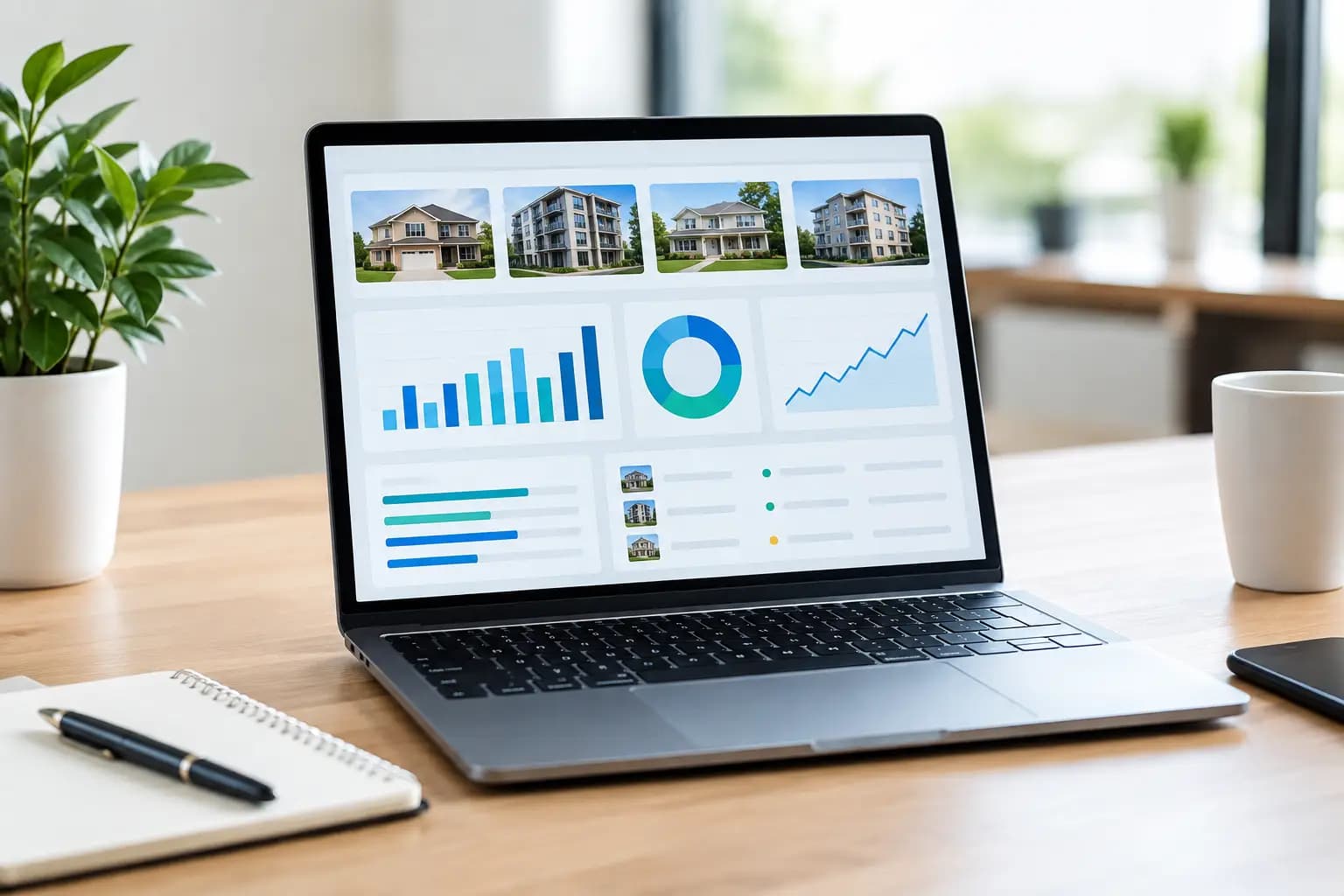
Consider an owner with 12 residential properties, 186 units, and a small operations team. The portfolio dashboard opens with a clear portfolio scorecard for the current month.
Portfolio status shows 178 occupied units out of 186, or 95.7% occupancy. Eight units are vacant. Four are rent-ready, two are under renovation, and two are awaiting inspection. Rather than treating all vacancies as identical, the dashboard shows their status and age. A unit vacant for six days after turnover requires a different response than one vacant for 43 days with no assigned leasing follow-up.
Revenue status shows $312,000 billed this month, $298,500 collected, and $13,500 outstanding. The dashboard separates normal payment timing from delinquency risk. It flags six balances more than 15 days overdue and groups them by property, manager, and total exposure. The owner does not need a generic receivables total. They need to see where collection activity has stalled and whether a particular site needs intervention.
Maintenance status shows 31 open work orders: 18 routine, nine high priority, and four urgent. The critical detail is not simply the count. The dashboard identifies the four urgent tickets, their age, assigned vendor or team member, affected unit, and whether tenant communication is pending. It also highlights work orders that have exceeded the team’s target completion time.
Lease and renewal status shows 17 leases expiring in the next 90 days. Of those, seven renewals are pending response, three residents have given notice, and two units have no renewal task assigned. This is where a portfolio dashboard shifts from reporting to readiness. The team can act before an expiring lease becomes an avoidable vacancy.
Exceptions requiring attention appears as a focused queue, not a broad notification stream. It may include an unapproved vendor invoice, a property inspection overdue by 12 days, a vacant unit with no listing activity, and a work order without an owner. These are the operational gaps that get buried when teams work from spreadsheets, email threads, and separate portals.
Build the dashboard around decisions, not data availability
Most portfolio teams have more data than they use. The harder work is deciding which signals support action at each level of the organization.
An owner may need net operating income trends, occupancy by property, aging receivables, and capital project exposure. A property manager needs turn status, open service requests, lease expirations, and task ownership. A maintenance lead needs assigned work orders, priority, due dates, parts or vendor dependencies, and overdue items. The dashboard should provide a shared system of record while presenting each role with the level of detail needed to operate.
This distinction matters because a dashboard overloaded with metrics can create false confidence. If a manager sees 40 tiles but cannot identify the next three actions, the system is functioning as a report library rather than an operating tool.
Use time comparisons carefully, too. Month-over-month revenue may look positive while occupancy has dropped due to delayed turnovers. A trailing 12-month maintenance total may hide a recent spike in urgent repairs. Trends are valuable when they explain change and support a decision, not when they merely decorate the screen.
Core metrics for daily portfolio control
The exact measures depend on the portfolio, but most rental operators need a disciplined combination of occupancy, revenue, maintenance, lease activity, and exceptions.
Occupancy should include physical occupancy, vacant units, vacancy age, and unit readiness. Revenue should distinguish billed amounts, collections, overdue balances, concessions, and variance against budget or target. Maintenance should show open work orders by priority, average completion time, overdue tasks, repeat issues, and spend where that information is available.
Lease visibility should cover upcoming expirations, renewal status, notices to vacate, and unassigned follow-up. Finally, an exceptions view should pull forward missed inspections, incomplete property records, overdue approvals, unresolved alerts, and operational items that lack a clear owner.
The best measure is not always the most sophisticated one. A clean count of vacant units with no next task can be more useful than a complex utilization score that nobody is prepared to act on.
Use drill-downs to find the cause
Portfolio-level metrics establish direction. Drill-downs establish accountability.
If collections fall below target, the user should be able to move from the portfolio total to a property, then to the affected resident balances and assigned collection tasks. If maintenance costs rise, they should be able to identify whether the increase came from a single building, repeated equipment failures, emergency work, or delayed preventive activity.
This is especially valuable for owners with mixed operations. A portfolio may include long-term rentals, furnished units, retail space, hospitality assets, or other location-based operations. The high-level command view can remain consistent while the underlying measures adjust to the asset type. A restaurant group may watch location-level work orders and occupancy-related capacity differently than a residential landlord, but both need clear exceptions, ownership, and performance visibility.
Slicktify is designed for this operating reality: one intelligent command center that brings assets, properties, tasks, alerts, and reporting into a structured view rather than leaving teams to manually assemble the story.
Avoid the dashboard mistakes that slow action
First, do not treat every alert as urgent. When everything is red, nothing is. Define severity levels tied to actual operating consequences, such as a safety issue, revenue risk, lease deadline, or service-level breach.
Second, avoid static monthly reporting as the primary view. Monthly reports are useful for financial review, but daily operations need current status. A vacancy, overdue repair, or unassigned renewal should be visible when it happens, not after the reporting cycle closes.
Third, do not separate the metric from the workflow. Seeing that 11 work orders are overdue is only half the job. The dashboard should show who owns each item, its due date, its current status, and the next required action.
Finally, keep data definitions consistent. If one property counts an occupied unit from lease signing while another counts it from move-in, portfolio occupancy is not comparable. Centralized dashboards require disciplined records, standard statuses, and clear ownership. The technology can organize the view, but operating rules make the numbers trustworthy.
Start with the exceptions that matter most
A mature portfolio dashboard will evolve as the business grows. Begin with the operational failures that currently consume the most management time: missed follow-up, slow turns, unpaid balances, aging work orders, unclear lease status, or inconsistent property reporting.
Then build a dashboard that makes those conditions visible, assigns ownership, and shortens the path from signal to action. The goal is not more reporting. It is a calmer, more controlled operation where the team knows what needs attention before it becomes expensive.